HomeWarehouses
Warehouses
Manage multiple inventory locations
Warehouse Management
Warehouses represent your physical inventory locations. Create warehouses with a name, code and address, mark one as your default, and assign products to a warehouse when you add or stock them. Your subscription plan sets how many warehouses you can create, with an over-limit warning when you reach the cap.
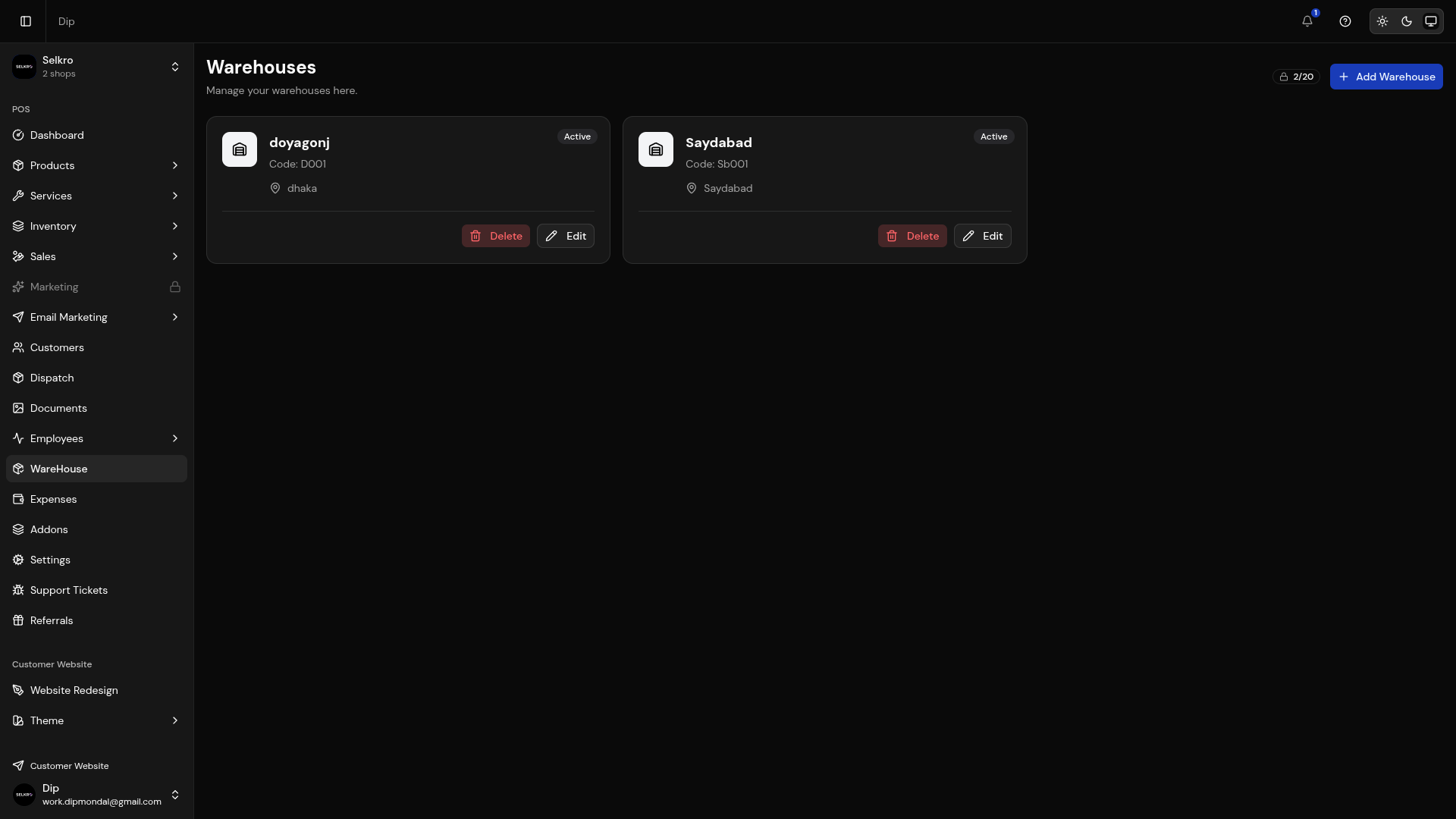
Warehouse management with locations and inventory tracking
Warehouse Features
- Create and manage multiple warehouse locations (name, code, address)
- Mark one warehouse as the default for new products
- Activate or deactivate warehouses anytime
- Assign products to a warehouse with stock tracking per location
- Plan-based warehouse limits with over-limit warnings
Warehouse details with stock levels and transfer options
Warehouse Tip
Use multiple warehouses to track inventory across different physical locations. This helps manage stock distribution and transfers efficiently.