HomeCustomer Management
Customer Management
Manage your customer relationships and data
Customer Management Overview
Selkro gives you complete customer profiles with their contact details, order history, spending, due balance and credits — built up as they order in-store and online.
Customer management with profiles, orders, and analytics
Customer List
Description
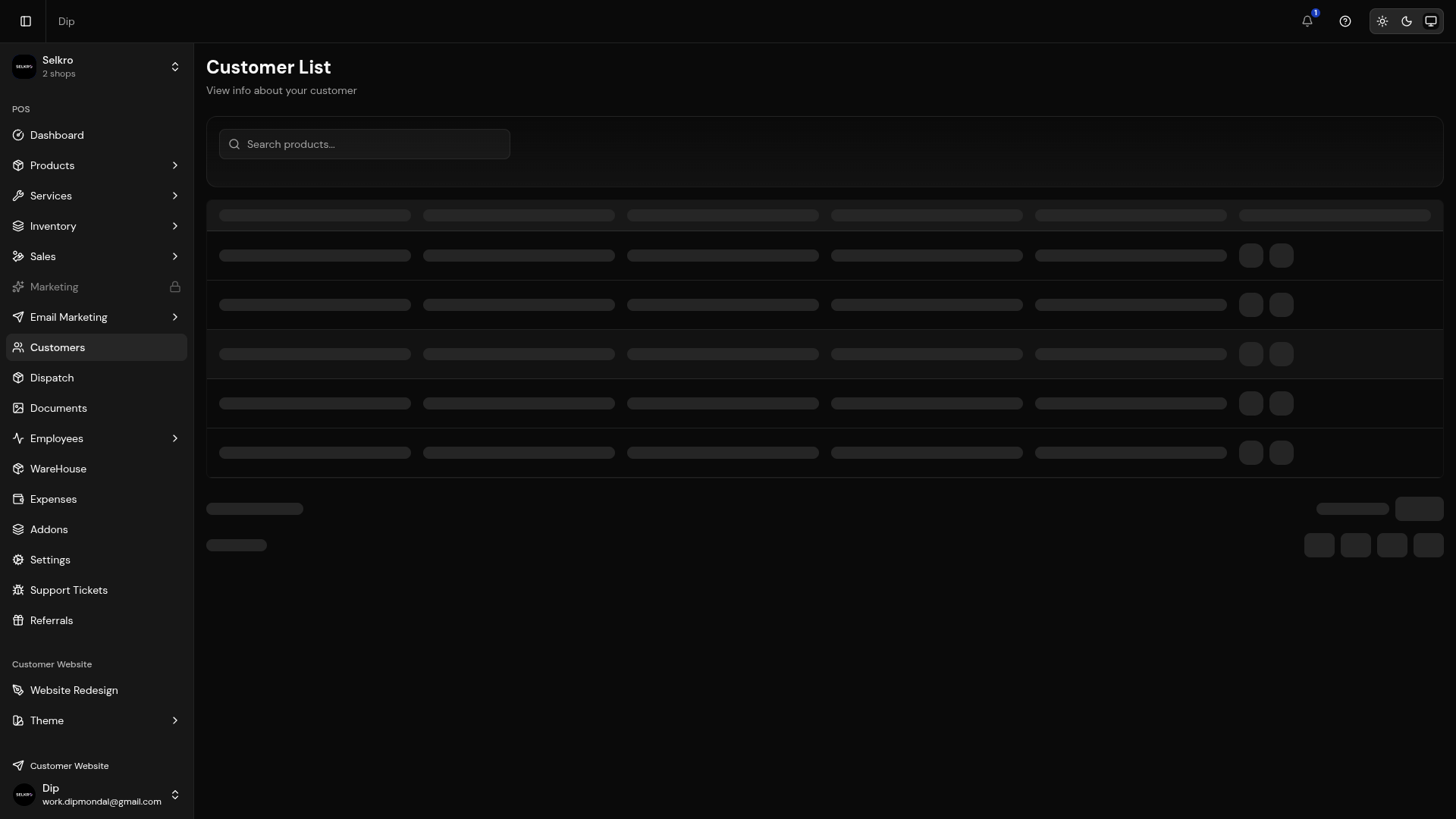
View and manage all your customer profiles.
- View customer contact information and joined date
- See customer ID and total order count
- Track total spend, total due and credit per customer
- Open a customer's full order history with payment and order status
- Search and filter across all customers
Customer list with search, filter, and contact information
Customer Profiles
Each customer has a profile with their contact details, order history, saved addresses and relevant stats like total orders and total spend.
Detailed customer profile with order history and spending
Customer Accounts
Customers can create accounts to access their order dashboard — total orders, total spend, total due and active deliveries — plus their address book and password settings. They can log in through the storefront.
- View and update personal information
- Track all past orders with status updates and invoice printing
- Manage saved delivery addresses
- Change the account password
- View order details and invoices
Customer account dashboard with order history and address book
Customer Engagement
Encourage customers to create accounts. This allows them to track orders, save addresses, and have a better shopping experience on your storefront.