HomeSettings & Configuration
Settings & Configuration
Configure your shop, branding, shipping and domains
Settings Overview
Shape how the world sees your shop from one place. The Settings page is organized into Account, Shop, Security and Domain tabs, so everything from your business hours to your payment methods and custom domain lives together.
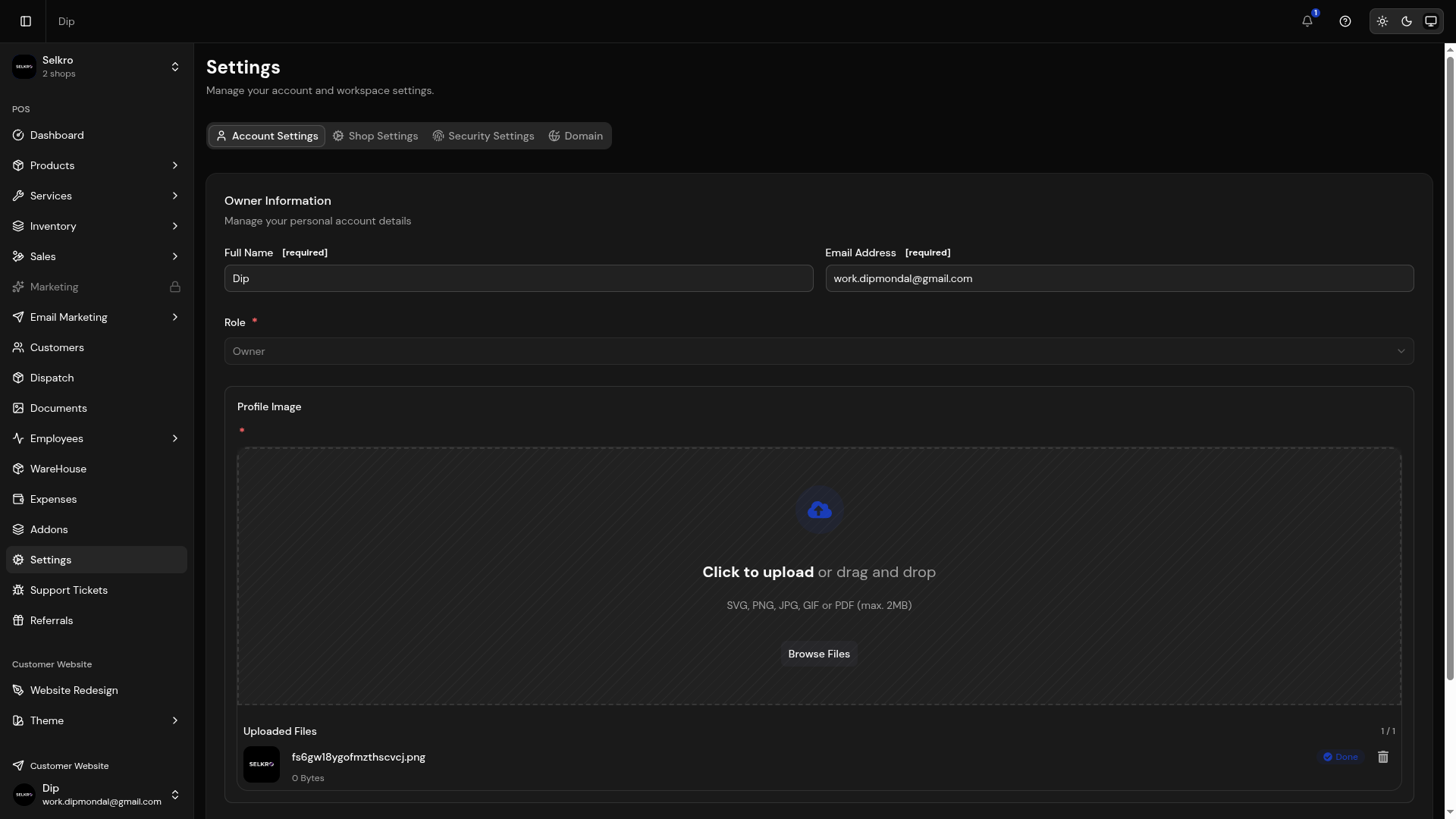
Shop settings with payment, delivery, and domain configuration
Shop Information
Set your shop name, tagline, logo, business type, email and phone from the Shop → Basic tab. These details appear on your storefront and invoices. Your working week and opening hours are configured separately in the Hours tab.
Shop info settings with name, logo, and tagline
Payment Methods
Description
Configure which payment options customers see and use.
Every method lives under Shop Settings → Branding → Payment Methods. Each option has a provider ID, a display name, a category (Cash, Mobile Banking, Card or Bank), an optional image and message, and an Active toggle that controls whether customers see it at checkout.
UddoktaPay
Online payment gateway via UddoktaPay. Enable the UddoktaPay add-on, add your panel URL and secret API key, and storefront checkout accepts online payments automatically.
Cash on Delivery
Accept payment when the order reaches the customer. Turn COD on or off under Shop Settings → Branding → Delivery Options.
Payment method configuration with enable/disable toggles
Delivery Charges
Set delivery charges from Shop Settings → Shipping. Each shipping zone has a state name, a charge and an estimated delivery time; the rate for the customer's district is applied at checkout.
Delivery charge settings for inside and outside Dhaka
Domain Settings
Manage your shop's domain from the Domain tab. Use the default subdomain (myshop.selkro.app) or connect a custom domain with DNS verification, and watch the verification status until it goes live.
- Subdomain configuration
- Custom domain setup with DNS record verification
- Domain status tracking (pending, verifying, verified, failed)
- SSL certificate auto-configuration
Domain configuration with subdomain and custom domain options
Important
When setting up a custom domain, make sure to configure your DNS records correctly. Selkro provides verification steps to ensure your domain is properly connected.