HomeEmployee Management
Employee Management
Manage your staff, attendance, and salaries
Employee Management Overview
Selkro provides employee management tools for shop owners: staff accounts with roles and login access, daily attendance, and salary calculation for payroll. These pages are visible to owners and admins only.
Owner Only
Employee management features are only available to shop owners. Staff members cannot access this section.
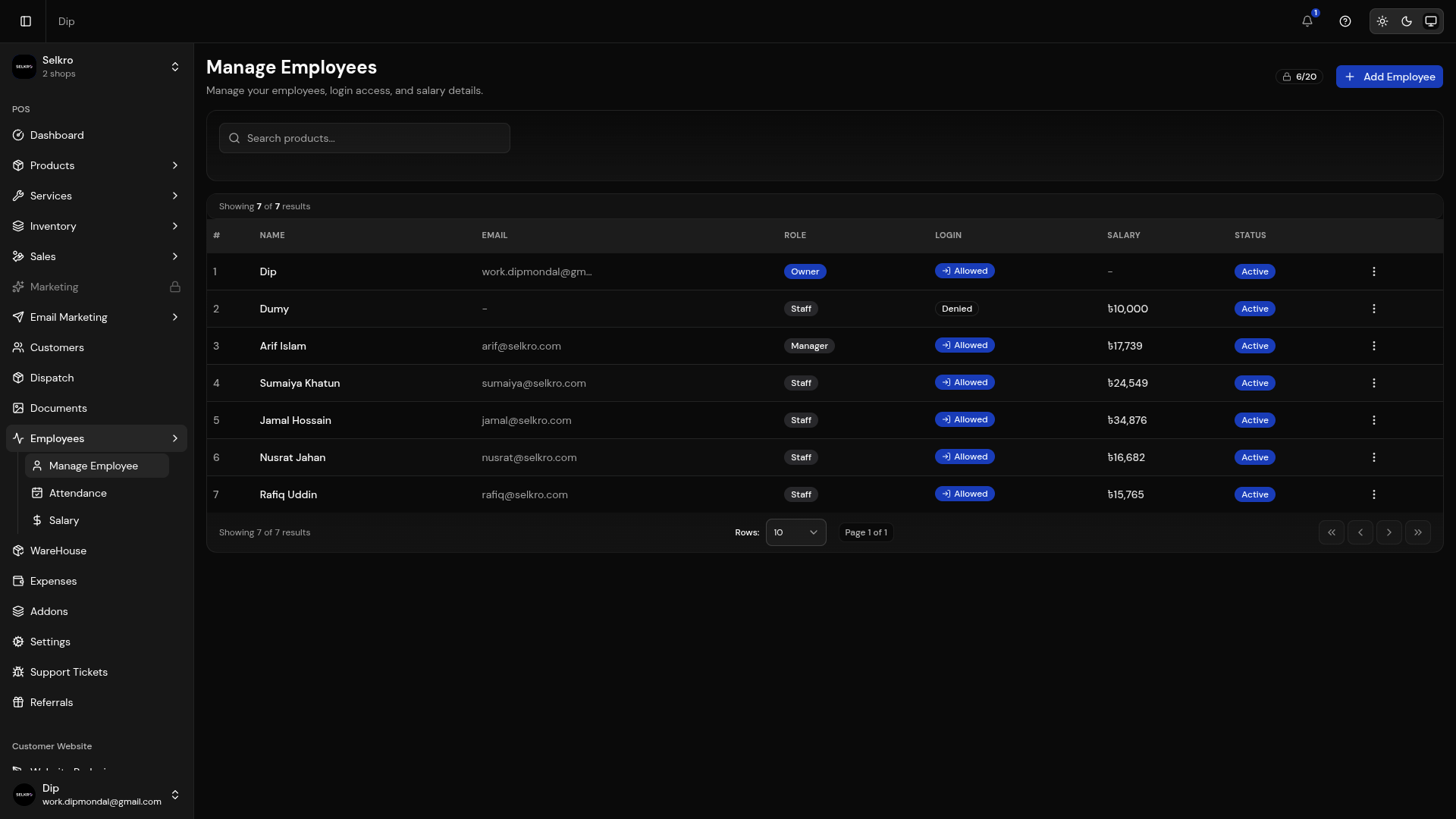
Employee management with accounts, attendance, and salary
Managing Employees
Description
Add, edit, and deactivate staff accounts.
- Create staff accounts with name, email, phone and role (Owner, Admin, Manager, Staff)
- Allow or block staff login with their own password
- Mark staff as salary-paid, setting a per-day rate and monthly salary
- See login and salary status on the employee list
- Deactivate or delete employee accounts
Employee list with roles, permissions, and activity
Attendance Tracking
Track attendance day by day for each employee. Pick a month and mark each day as present, absent, half-day or leave. A summary shows total employees and total payable, with salary calculated as (per-day salary / 30) × present days.
- Per-day status: present, absent, half-day or leave
- Month and year selection for reporting
- Automatic payable calculation from present days
- Summary of employees and total payable
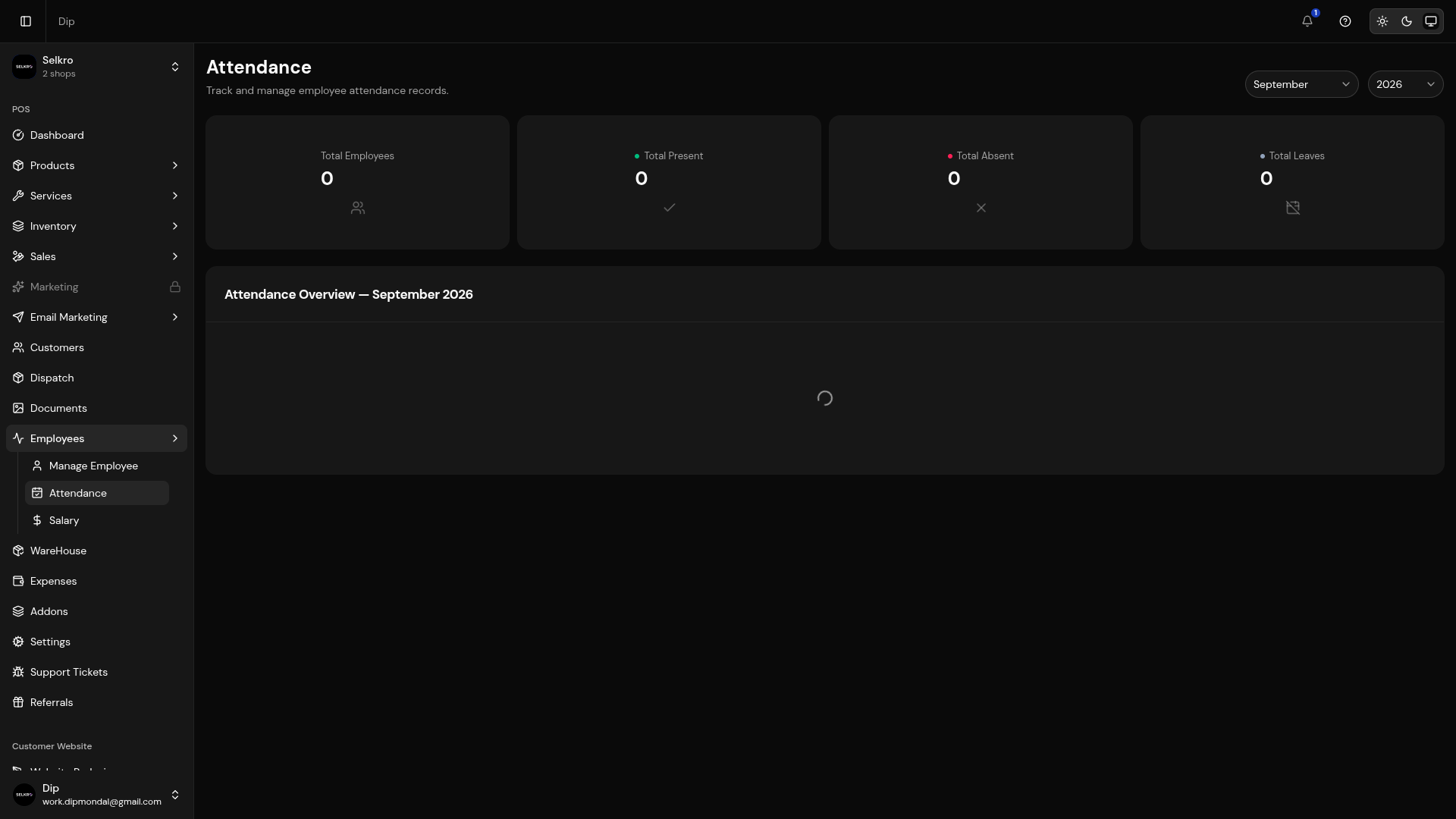
Daily attendance tracking with check-in/check-out times
Salary Management
Keep payroll in one place. Set monthly salaries, review each employee's present days and payable amount, mark payments as paid, and track due and advance balances across the month.
- Set monthly salary and per-day rates per employee
- Payable amount computed from attendance
- Record paid amounts against each employee
- Due and advance tracking with summary totals
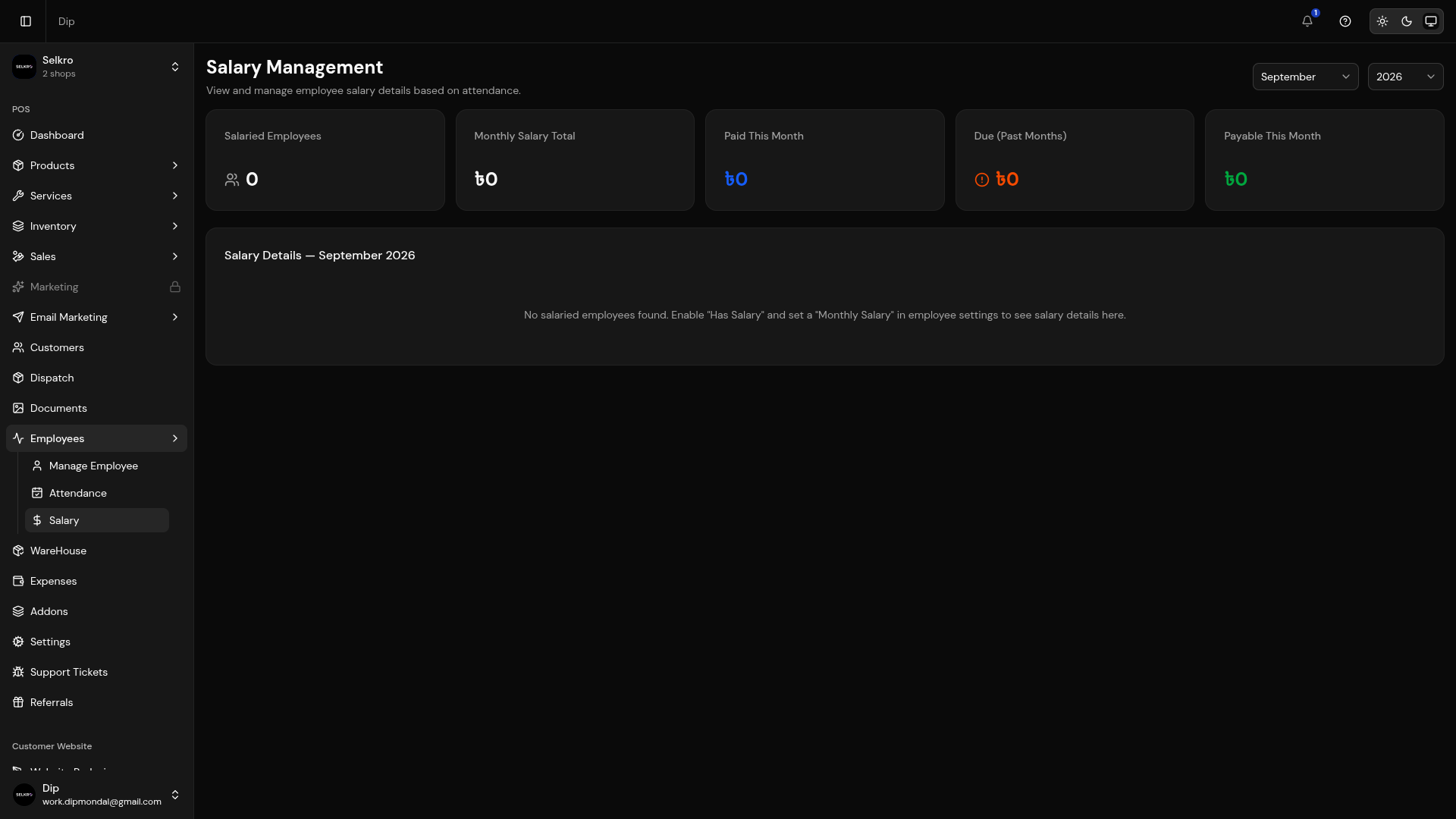
Salary management with payment tracking and reports
Management Tip
Use the attendance tracking feature to monitor employee work hours and generate reports for payroll processing. This helps ensure accurate salary calculations.