
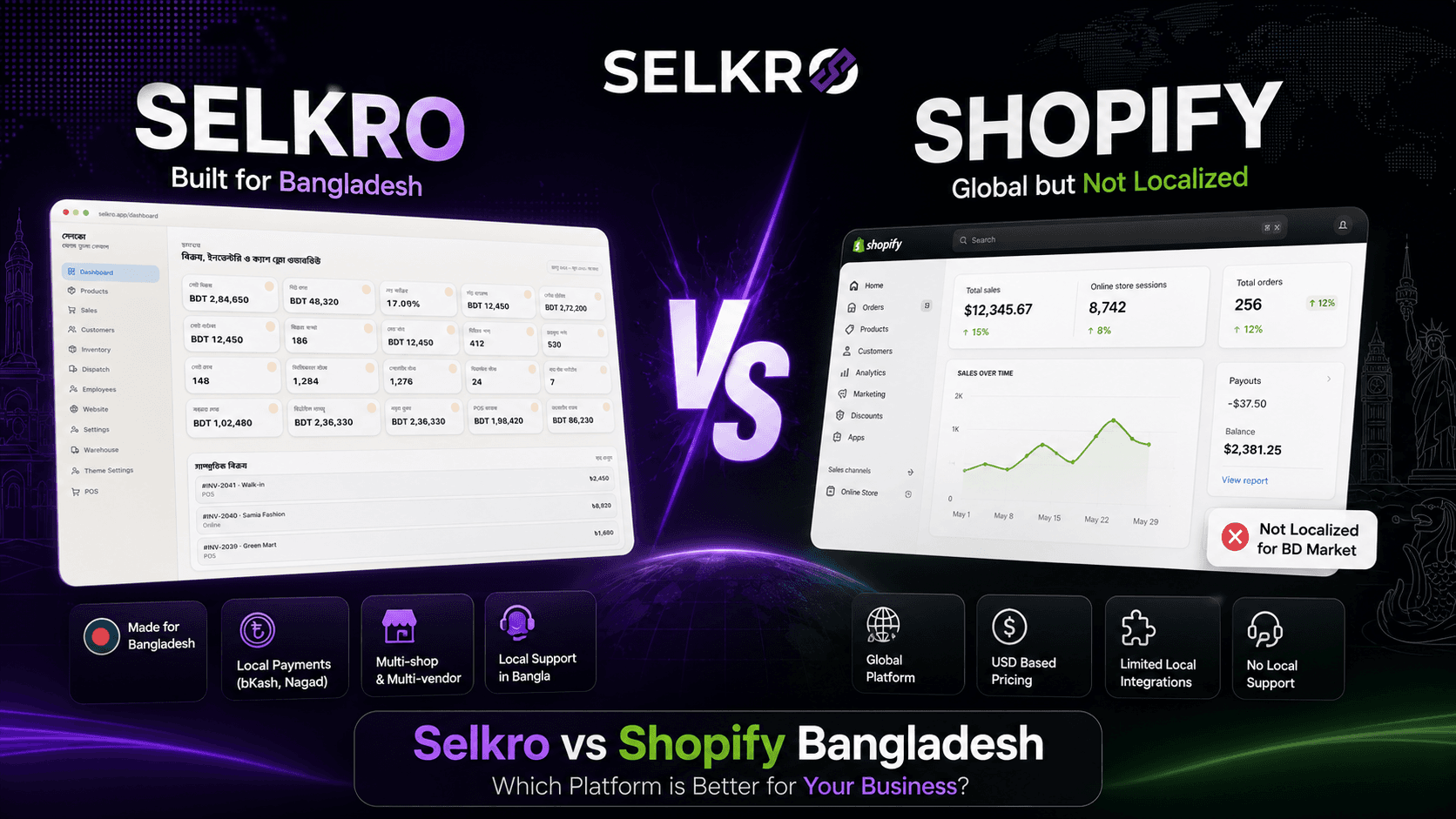
One-Line Verdict
Choose Shopify if:
You primarily sell to international customers, accept USD payments, and card-based checkout is sufficient.
Choose Selkro if:
Your customers are in Bangladesh, you accept UddoktaPay, and you want to run your physical shop and online store from one dashboard.
For most f-commerce sellers and local retail businesses in Bangladesh, the answer is Selkro — because their customers are here.
Quick Comparison Table
| Feature | Selkro | Shopify |
|---|---|---|
| Pricing Currency | ৳ BDT directly | USD + card conversion fees |
| UddoktaPay | Built-in, day one | Not included — need UddoktaPay separately |
| POS + Storefront | Same dashboard, same inventory | Shopify POS is a separate add-on product |
| Bangla Language | Native support | Not available (needs third-party app) |
| Local Courier Integration | Ready integrations | Custom app integration needed |
| Setup Time | Under 10 minutes | Several days (with payment gateway approvals) |
| Target Market | Bangladesh-first | Global (Bangladesh added later) |
| Customer Support | Bangla + English | Primarily English |
| App Ecosystem | Built-in features, growing | 8,000+ third-party apps |
| Multi-Warehouse | Built-in, from free plan | Limited to higher-tier plans |
| Data Export | Any time, 30-day backup after cancel | Export possible but access stops immediately after cancellation |
| Free Plan | Yes | No — cheapest plan is paid |
Why UddoktaPay Matters — Not "Nice to Have"
Here is the number: over 60% of online payments in Bangladesh happen through Mobile Financial Services — UddoktaPay. Cards and COD split the rest. According to UddoktaPay, the platform alone processes millions of transactions daily. That means the majority of your customers will look for UddoktaPay at checkout. It is not an option — it is an expectation.
To make this work on Shopify, you need to integrate a third-party gateway like UddoktaPay. That means opening a merchant account, waiting for verification (typically 3–5 business days), and paying gateway fees on top of your Shopify subscription. On Selkro, UddoktaPay and cards are all active from day one. No separate setup, no approval queue.
POS & Storefront: One System or Two?
This is where the difference really shows. Shopify is primarily an online store platform. Its POS is a separate add-on product with its own plan, and the two don't always sync perfectly — especially for smaller merchants.
Most Bangladeshi shop owners do both — sell at the counter and take orders from Facebook or WhatsApp. Tracking stock separately in a ledger or Excel causes errors and overselling. We broke down the real cost of that approach here. Selkro gives you POS and storefront in one account with one real-time inventory. Sell a product in-store, and your online stock updates instantly. No manual reconciliation.
BDT vs USD: The Real Cost Difference
Shopify bills in USD. That means your bill fluctuates with the exchange rate every month — making budget planning difficult for small businesses whose revenue is entirely in BDT.
Selkro pricing is in BDT — see the full pricing page here:
- Free — to get started, no credit card required
- Basic — ৳499/month
- Pro — ৳1,499/month
- Enterprise — custom pricing, contact sales
No currency conversion, no hidden fees — your bill is in the same currency as your revenue.
Customer Support: Who Do You Call at 11 PM?
When your POS freezes at 11 PM or a UddoktaPay payment is stuck at checkout — writing a ticket in English and waiting hours for a reply is not realistic.
Shopify support is global, primarily in English, and time zones can delay responses. There is no dedicated local support channel for Bangladeshi merchants. Selkro offers support in Bangla — the same language you think in when the problem hits. It may seem like a small thing, but in an emergency, it makes all the difference.
App Ecosystem vs Built-in Features
Shopify has 8,000+ third-party apps. Marketing automation, advanced analytics, loyalty programs — almost any niche feature exists as an app. That breadth is real.
Selkro does not offer that scale of marketplace right now. But here is the difference — the features Bangladeshi shop owners actually need (POS sync, UddoktaPay, local courier integrations, variant management) are built into Selkro. No separate app installs. No additional subscription fees to stitch things together.
The trade-off: Shopify gives you breadth. Selkro gives you the right defaults for Bangladesh.
When Shopify Is the Right Choice
To be fair — Shopify is not a bad platform. If most of your sales go to international customers, you take payments in USD or EUR, and you need a massive third-party app ecosystem (marketing tools, international shipping integrations) — then Shopify scale and maturity will serve you well.
But if your customers are mostly local and you are currently tracking orders from Facebook and WhatsApp in a ledger, Shopify complexity and USD billing become an extra barrier — not a solution.
Frequently Asked Questions
Can I accept UddoktaPay payments on Shopify at all?
Yes, but not by default. You need to integrate a third-party gateway like UddoktaPay, which requires separate approval and adds extra fees.
Can I use both platforms together?
Technically possible, but not recommended — keeping inventory synced across two platforms gets complicated and increases overselling risk.
Does Shopify have a free plan?
No. Every Shopify plan is paid and billed in USD. Selkro has a Free plan to start.
Which platform is better for managing product variants?
Both support variants. The difference is at the POS level — Selkro updates online stock when you sell from POS. Shopify POS is a separate add-on.
My shop is small, I do not have POS yet — which should I start with?
If you are selling on Facebook or WhatsApp and do not have a counter system yet, starting with a platform that bundles POS and storefront together saves you from stitching two systems later.